


How And When To Invoice
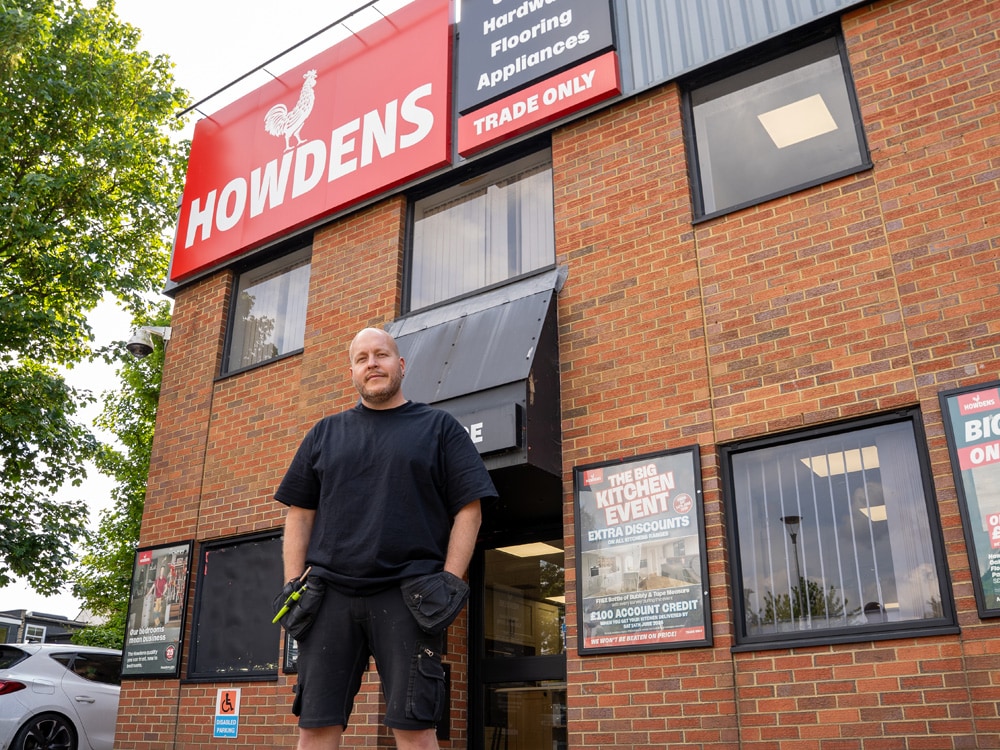
Late or missed payments can put real strain on a business and make it harder for it to run smoothly. That’s why understanding how and when to invoice is important when growing a trade business. Carpenter, Scott Bubb, has run his company for nearly 20 years. He knows exactly how to invoice, when to send one, and how to set payment terms that protect your work. In this article, he’ll explain how to generate an invoice that’s clear, professional, and gets you paid on time.

From drafting invoices to spotting easy mistakes that hold up payments, we'll walk you through how to build the best invoices for any job.



1. Understanding The Purpose Of An Invoice
Invoices aren’t just paperwork – they’re a formal record of the job for your customer and your proof of what’s owed. A good invoice clearly shows the work done, the payment terms, and when payment is due. It keeps things simple, stops disputes before they start, and makes sorting your tax easier.
Does A Tradesperson Have To Provide An Invoice?
No. You only legally need to provide one if both you and your customer are VAT-registered. Even when it’s not required by law, sending one is a smart move. It shows you’re professional, helps keep your records tidy for taxes, and proves the work you’ve done.
2. What To Include In An Invoice
A good invoice clears up confusion before it starts. Get it wrong, and you’ll be chasing payments, answering awkward questions, or redoing the invoice from scratch. Here's what to include to get it right:
- Your business name (your company's registered name or the name of the individual/partners in a partnership), registered office address, logo, registration number, and contact details, like your phone number or email address
- The customer’s name, address, and contact details
- A unique invoice number and issue date
- A description of the work you’ve done with dates and times
- Your rates (hourly or fixed) and quantity of each service
- Extra costs, like materials or travel
- Discounts
- VAT details - only add this if you’re registered
- Total amount due, including VAT
- Payment terms and accepted payment methods, like bank transfer or cash
3. How To Generate An Invoice
There’s no one way to invoice. Some trades go digital, others still use pen and paper. Whatever you choose, the goal is the same — send something that’s fast, clear, and easy to track. The best system is the one that gets you paid without hassle and works for you and your business.
Digital Options
Digital systems can speed up invoicing, reduce errors, and make chasing payments less of a headache.
Invoicing Software
Paid tools like QuickBooks, Xero, or Wave make invoicing easier with professional templates that are quick to fill in. They can also auto-fill details, alert you if something’s missing, and let you email invoices directly. Some even let you track when invoices have been paid, so you don’t have to chase late payments.Mobile Apps
Apps let you invoice on-site, straight after the job’s done. That means less evening admin and more time lining up new work. Look for features like real-time payment updates, e-signatures, and photo attachments to show what’s been completed.CRM Systems
Customer Relationship Management (CRM) systems like Jobber, Buildertrend, or Pipedrive track everything from first enquiry to final payment. By keeping all your information in one place, they reduce errors and save time. I prefer CRMs that work well on mobile because I can use them on the go but be sure to find an option that works best for you.
Manual Options
If you’re not ready to go digital, traditional tools still work, especially for smaller jobs or quick turnaround projects.
Word or Excel
Both Microsoft Word and Excel come with invoice templates that you can customise, but you’ll need to buy the software first. They’re simple use and easy to reuse. Just save each invoice as a PDF before sending it to keep the formatting clean.
Carbon Copy Books
These are still popular for small jobs or if the customer wants a paper record there and then. Just write it out, hand them the original, and keep the copy. I like to have a few in the van just in case my signal drops or my phone battery dies.
4. When To Send An Invoice
Get the timing right, and you’ll get paid faster. Here’s how to time invoicing for different job types.
Before The Job Starts
For large jobs like extensions, invoice for a deposit before starting work. This protects your time and covers upfront costs for materials or equipment. Invoice again when the job’s finished for the rest of the balance.
After The Job Is Done
This is best for straightforward jobs that are easy to sign off on the spot, like painting, door fitting, or appliance repairs. It keeps admin simple and helps you get paid without delay.
At Agreed Milestones
Use this method for big or long-term jobs, like full kitchen fits. Agree the project stages at the beginning with your customer and send invoices at each one. I like this option because it spreads payments so there’s less pressure on your customer and it keeps cash coming in.
5. Setting Payment Terms
If your customer doesn't know how or when to pay you, you’re going to be out of pocket – fast. Setting clear payment terms will help you avoid this and keep your business running smoothly.
Payment On Receipt
Use this for smaller, one-day jobs, like plastering, tiling, plumbing or electricals where it’s fair to expect full payment straight away.
14 Or 30 Days
This is for bigger jobs, like bathroom installs, where the customer might need time to manage funds. Usually, this is 2 weeks or a calendar month from the invoice date. Make sure both you and your customer are clear when the clock starts to avoid difficult conversations.
Late Payment Penalties
Most trades add 1–2% for late payments, or up to 8% for commercial customers. Setting clear terms also prevents unnecessary stress, because late payments don’t just hurt your profits, they can affect your mental health, too.
6. Avoiding Common Invoicing Mistakes
Invoicing mistakes can cost you more than just money - they can damage your reputation and future business. That’s why I always say: read twice and send once. Keep an eye out for these common slip-ups:
- Wrong customer name, address, or contact details
- Incorrect dates, rates, or totals
- Vague or missing job descriptions
- Missing VAT info (if registered)
- Forgetting to number or date the invoice
- Sending it to the wrong person
Business Builder Series
Whether you're looking to start a new business or already have one, running a trade business can be tricky. To help you build something worthwhile, we cover the basics – from knowing how to invoice to getting savvy on social media. Each topic will advise on best practices and how to run things correctly to set you up for success.



Disclaimer
The content of any discussions, presentations or materials in this [video/webpage] is provided for general information only and does not constitute legal advice. You should obtain invoicing advice specific to your circumstances from an appropriately qualified specialist (government resources such as Invoicing and taking payment from customers: Invoices - what they must include - GOV.UK may also be helpful). Any views expressed by speakers, presenters or contributors are their own and do not necessarily reflect the views of Howdens. References to third‑party organisations, products or services are for information only and do not imply endorsement.